get started
Membership Management
Advertising network
Mass Entry of Data
Last Update :
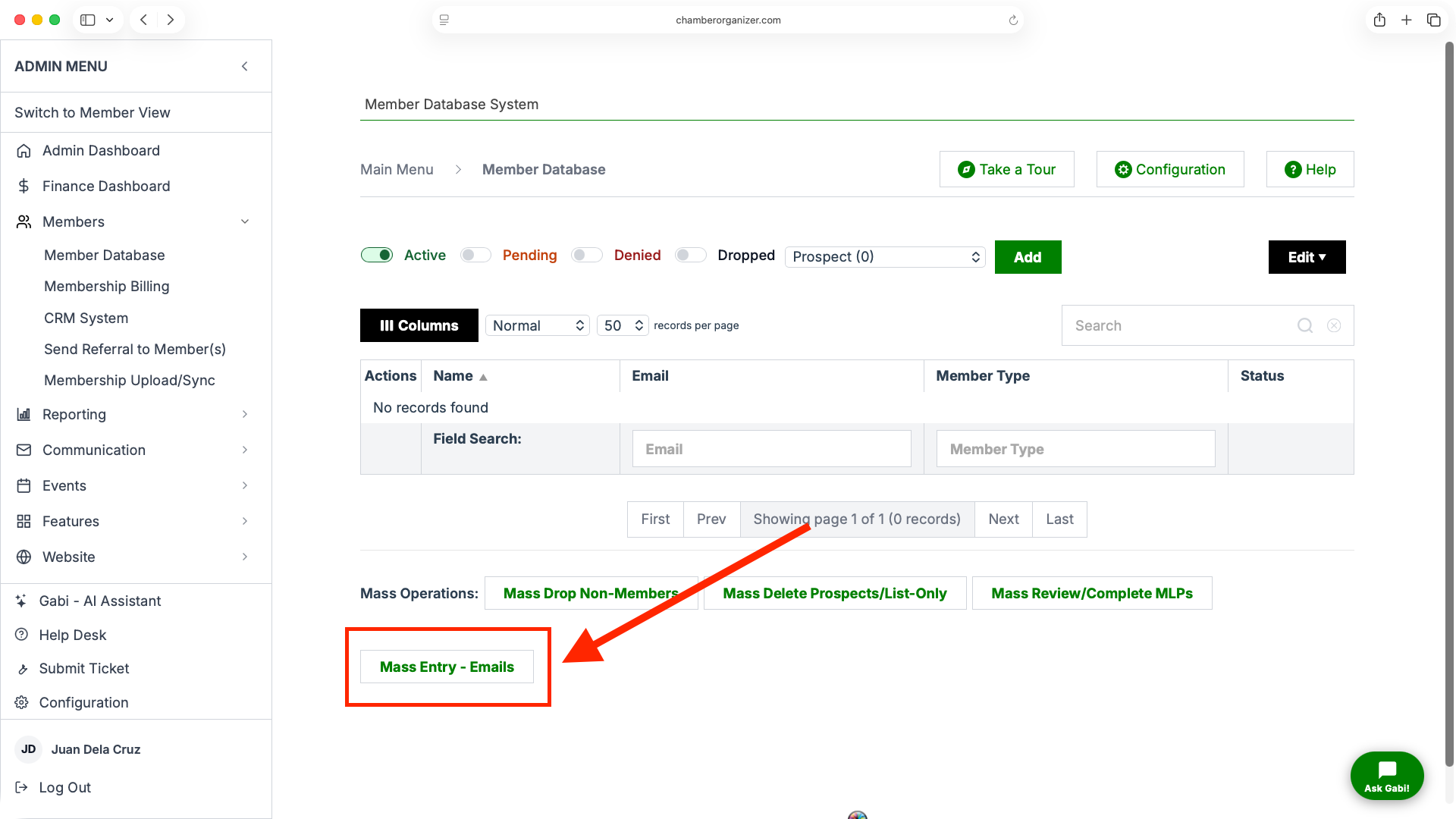
There are two membership checks that can be enabled for the newest version of the New Member Registration page.
Email Address Verification
When enabled, the setting "Check email address for renewal?" (located on the New Member Registration configuration page under "Other Options") will check the database for records that have a matching email address. If a record is found, the member will be prevented from registering and notified that they are attempting to create a duplicate record.

Advanced Field Lookup
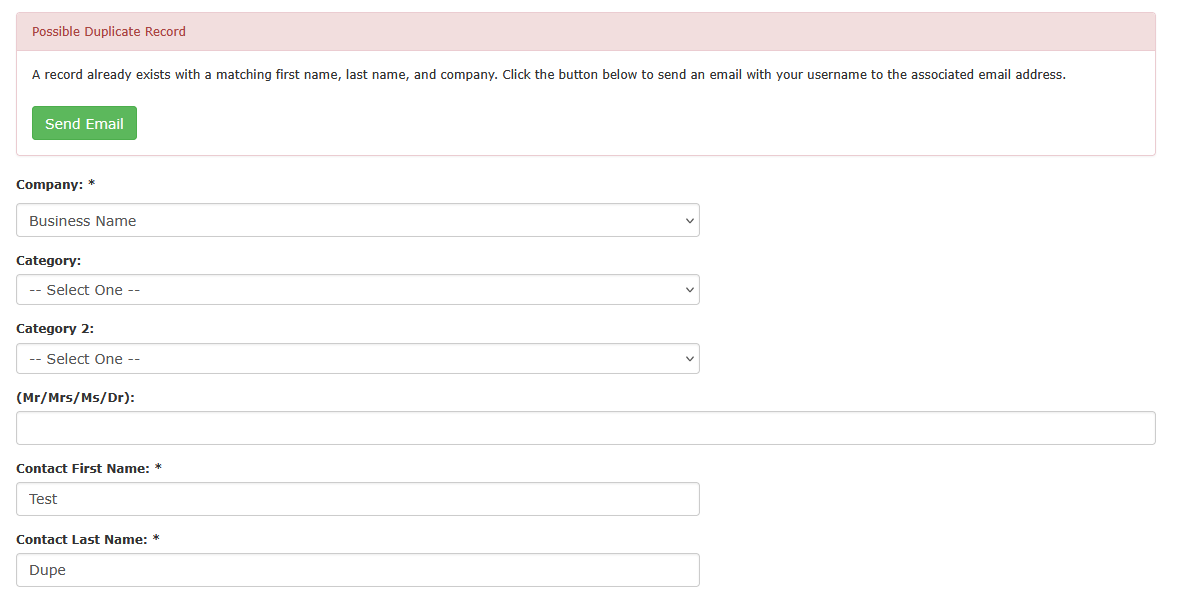
When enabled, the setting "Enable additional verification field check?" (located on the New Member Registration configuration page under "Other Options") will check the database for records that have a matching First Name, Last Name, and Company. If a record is found, a message at the top of the page will prompt the user to send an email to the email address associated with the existing account containing that member's username.