
Daily Deal Administration
Members can submit coupons to the Daily Deals email system by checking the "Publish in Web/Email Offers" option in the coupon editor. The coupon is then submitted to the Daily Deals Broadcast Approval module of the MMS Administration page followed by an email being sent to the Daily Deals Administrator. By default, these emails are sent to the organization email but a Daily Deals Administrator can be set by going to the Daily Deals Broadcast Administration page and assign an administrator. A coupon will not be included in the Daily Deals email unless it is approved by and administrator.

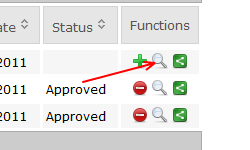
The Daily Deal administrator can review the submitted coupon by clicking on magnifying glass
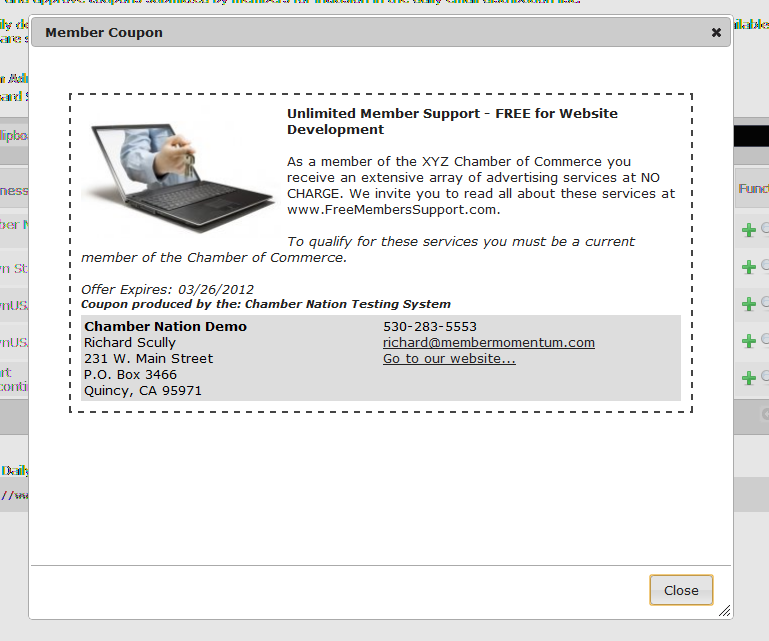
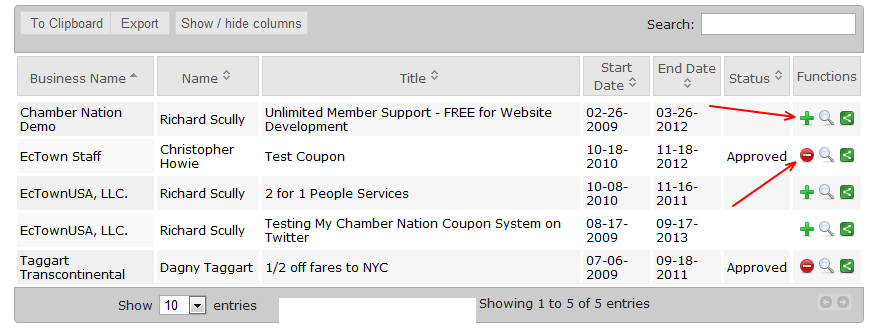
Once you have finished reviewing the coupon you can approve or disapprove a coupon on clicking on the plus or minus signs on the admin screen.
New daily deals are sent out to subscribers every day at 11:00 am Eastern. All active deals are sent every Monday at 11:15 am Eastern.